
The same word, a different meaning
A "customer" is a contact person in the CRM, a debtor in the ERP and an account in the webshop. If nobody settles that up front, the wrong fields get mapped.
Service · Application integration
Your ERP, WMS, CRM and webshop need to understand each other, not just be connected. cimt designs the integrations, builds them and runs them for you. Whether you also build the skills in-house is up to you.
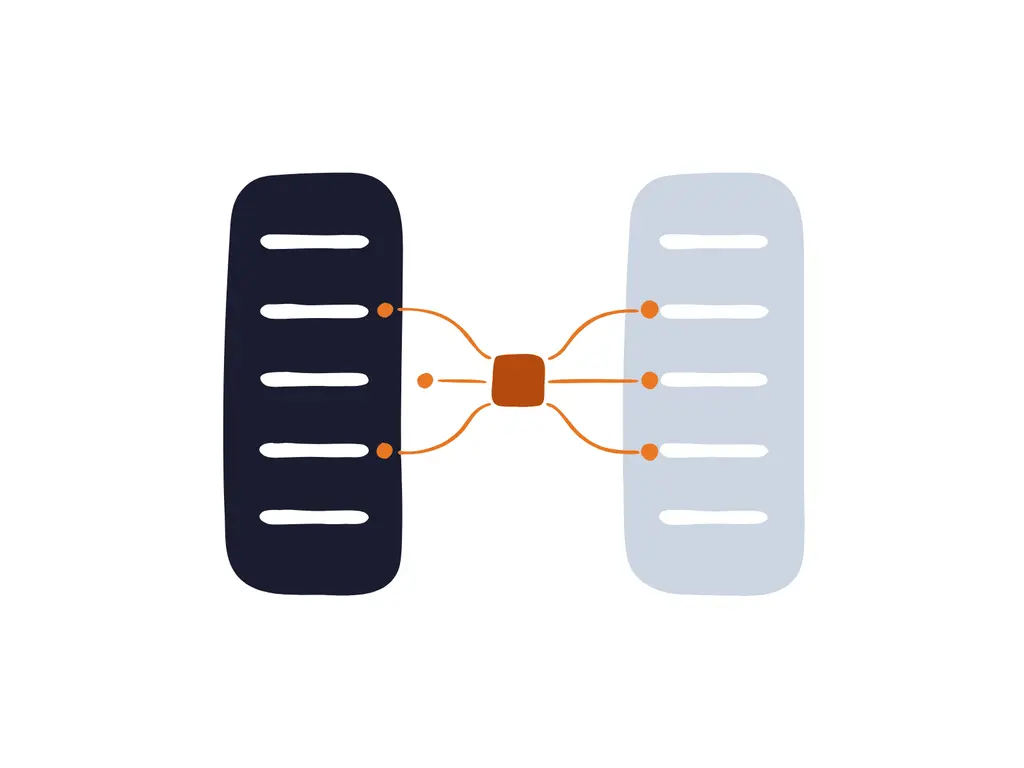
Application integration makes business applications exchange information while the work happens: an order from the webshop that is in the ERP straight away, a shipment the WMS passes on to the carrier. Interoperability goes one step further: the systems understand that information in the same way. That starts with clear definitions. Without agreement on what a customer, an order or a delivery is, you process the wrong fields and errors simply travel faster from system to system.
In the DAMA wheel, Data Integration & Interoperability is a knowledge area of its own, closely tied to metadata and master data. Where our Data Integration & Streaming service brings data to the data warehouse and analytics, application integration is about the operational processes themselves: systems that drive each other directly.
Why definitions come first
The technology is rarely the problem. Integrations fail on meaning, visibility and ownership.
A "customer" is a contact person in the CRM, a debtor in the ERP and an account in the webshop. If nobody settles that up front, the wrong fields get mapped.
Ten systems talking to each other directly quickly add up to dozens of integrations. Every change touches several of them, and nobody has the full picture.
The integration was built by a vendor or a colleague who has since left. When messages get stuck, the business is the first to notice.
A new API version, different authentication or a field that disappears. Without active management, you find out when orders stop coming through.
Our approach
Three phases, one partner. You can join at any phase, for example when the integrations already exist but nobody manages them.
We map which systems need which information and settle the definitions: what is a customer, an order, a delivery. The message definitions and API contracts follow from that, linked to your business glossary. We base the architecture on Enterprise Integration Patterns, the common design language for integration.
We build the integrations in Qlik Talend Cloud, test them against real scenarios and set up monitoring from day one. We treat API management as a separate component in the architecture: it controls who may use which interface, in which version and how often.
After go-live we run the integrations under an SLA. We monitor the message flows, resolve disruptions and adapt integrations when a vendor changes something. You get a monthly report and a fixed point of contact.
Integration patterns
Not every integration needs an API. For each information flow we choose the pattern that fits the speed, the partner and the risk.
REST and SOAP for request and response between systems, for example a stock check from the webshop.
Systems publish what happens, such as "order shipped", and other systems respond to it. Loosely coupled and robust.
For partners and systems that offer no API. Still common, and perfectly fine when it is properly monitored.
Standardised messages with customers, suppliers and carriers, such as orders, delivery notes and invoices.
Working together
Building knowledge is an option, not a requirement. For each phase you decide how the roles are split, and that can change later.
Fully taken care of. We design, build and run the integrations under an SLA. You decide what gets integrated, we make sure it works.
Your team builds alongside us. We bring the architecture, the standards and the experience, your people learn the craft on the job. Operations can then sit with you or with us.
We build the integrations, train your team and hand over operations, with documentation and a transition period. If you want help again later, we step back in.
Operations fall under our Managed Services, with three service tiers →
In practice
WMS, TMS and carrier systems share one definition of a shipment. Status updates appear straight away in the customer portal.
ERP and MES speak the same language about items, bills of materials and production orders. Completion messages flow back into planning without manual work.
ERP, PIM and webshop use the same product data. Customer orders arrive through EDI and go to the warehouse without retyping.
Shared definitions for customer, product and supplier are captured in your master data management. Choosing a new integration platform? Our platform selection service helps.
Your point of contact
A thirty-minute conversation about your situation, without a sales pitch. Afterwards you know whether and how we can help.
Schedule an introduction
Mirco Kriesten
Managing Consultant
Step one: overview
In a first conversation we map your systems and the most important information flows. Afterwards you know where the risks are and where best to start.
Frequently asked questions
Application integration connects operational systems so processes keep flowing: an order moves from webshop to ERP to warehouse. Data integration brings data from those systems together in a data warehouse or lakehouse for analysis and reporting. The definitions are the same, so it pays to settle them properly once.
Enterprise Integration Patterns are proven design patterns for integrations, documented by Gregor Hohpe and Bobby Woolf. They describe, among other things, how messages are routed, translated and aggregated. Because most integration platforms know these patterns, a design stays understandable for any developer, even if you later change platform or partner.
For build and operations we work with Qlik Talend Cloud. That is our specialism, as a Qlik Elite Partner. Which components you need, such as application integration and API management, depends on the edition. The design is not tied to a tool: the definitions, message models and API contracts remain usable if you choose a different platform. If the choice is still open, we compare the options in a platform selection and tell you if Qlik Talend Cloud is not the best fit.
Yes. We start with an inventory: which integrations exist, what they do and where the risks are. Then we take over their day-to-day operation, and where needed we improve or replace them step by step.
No, you do not have to. You can leave design, build and operations entirely with us. If you do want the knowledge in-house, your team builds alongside us or we hand over operations to you after a transition period.